- Oasis center Princess cars building - 1st Floor - Unit 13-14 Sheikh Zayed Rd - Al Quoz - Al Quoz 1 - Dubai
- info@secureverse.ae
Secureverse Leading Interior Design and Fit-Out Company In UAE

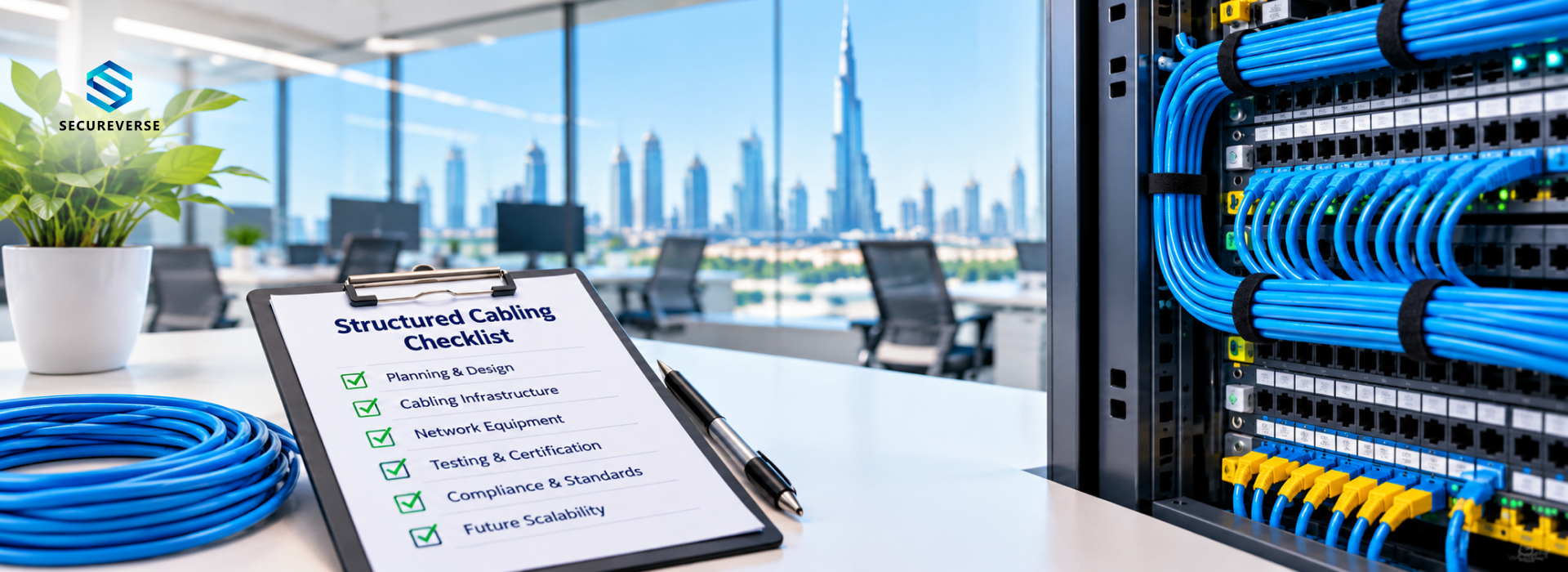
Setting up a new office involves more than selecting furniture, finalising the floor plan and creating an attractive workspace. Behind every productive office is a technology infrastructure that allows employees, communication systems and business operations to work together without unnecessary interruptions.
In Dubai, businesses are increasingly adopting cloud-based applications, video conferencing, smart meeting rooms, IP telephony and connected security systems. These technologies require a network infrastructure that is properly planned from the beginning. Even a beautifully designed office can face operational difficulties if its network connections are unreliable or poorly organised.
This is why Structured Cabling in Dubai should be considered during the early stages of an office fit-out rather than after the interior work is completed. A properly designed cabling system connects workstations, servers, wireless access points, CCTV cameras and communication equipment through an organised network.
For companies planning a new workspace, technology requirements should also be discussed with the interior design and fit-out teams. Businesses looking for a Best Interior Design Company in Dubai should consider whether the design process accounts for server rooms, network outlets, concealed cable pathways and meeting room connectivity.
In this guide, we explore the important considerations for planning office cabling, choosing suitable materials and coordinating installation work so that your workplace is ready for present and future business requirements.
Structured cabling is a standardised system of cables, connectors, patch panels and network equipment that provides communication connectivity throughout a building. It creates an organised infrastructure through which different devices and systems can exchange information.
In a typical commercial office, this infrastructure may support:
Unlike an arrangement where individual devices are connected through separate, unorganised wiring, structured cabling follows a planned layout. This makes it easier for IT teams to identify connections, troubleshoot faults and introduce additional devices.
The benefits become particularly noticeable when a business expands or changes its office layout. Instead of replacing large portions of the network, an organised infrastructure allows suitable connections to be extended or reconfigured.
For companies investing in Interior Fit Out Dubai projects, structured cabling should therefore be treated as part of the essential building infrastructure.
Before purchasing cables or starting installation, prepare a network plan based on how the office will actually operate. The following checklist can help business owners, facility managers and project teams avoid common planning mistakes.
Begin by identifying how many people will use the office and what technology they need to perform their work.
For example, consider a workplace with 40 employees, three meeting rooms, a reception area and a dedicated server room. Its network requirements will include more than 40 computer connections. Printers, IP phones, wireless access points, CCTV cameras and conference room equipment must also be considered.
Prepare an initial inventory covering:
This assessment provides a realistic starting point for designing the network.
Network outlets should be positioned according to the actual furniture layout and equipment requirements.
A workstation may need separate connections for a computer and IP phone, while a conference room may require connections for displays, cameras and presentation equipment.
Remember to include reception desks, printers, wireless access points and security devices in the layout.
It is also sensible to discuss additional network outlets with your installation team. A few strategically positioned spare connections can make future changes easier and reduce the need to open finished walls or ceilings.
Choosing a suitable cable category is an important technical decision. The right option depends on transmission requirements, installation distance, equipment compatibility and the expected life of the network.
| Cable Type | Common Application | Main Consideration |
| Cat6 | Standard office connections | Supports 1 Gbps up to 100 metres |
| Cat6A | Higher-performance Ethernet networks | Supports 10 Gbps up to 100 metres |
| Fibre Optic | Network backbones and inter-floor connections | High bandwidth and immunity to electromagnetic interference |
Cat6 is suitable for many everyday office applications. Cat6A is worth considering where 10 Gbps connectivity is required over standard structured cabling distances.
Fibre optic cables are particularly useful for connecting separate network rooms, floors or buildings. The final selection should be based on the network design rather than simply choosing the most expensive option.
When planning Structured Cabling in Dubai, businesses should also consider cable quality, installation conditions and the performance requirements of the equipment they intend to use.
The server room is where much of the office’s communication infrastructure comes together. It may contain network switches, patch panels, routers, servers and other essential equipment.
Before deciding on its location, consider the following:
Do not treat the server room as leftover space after the office layout has been finalised. Its location and environmental conditions can directly affect the reliability and maintainability of the network.
Cable pathways need to be coordinated with electrical installations, ceiling designs, partitions and flooring.
Depending on the building layout, installation may involve cable trays, conduits, trunking or suitable concealed pathways. The design should account for cable bend radius, pulling tension, pathway capacity and access for future maintenance.
Data cables should also be appropriately separated from electrical power cables in accordance with applicable installation requirements.
This coordination is particularly important during Interior Fit Out Dubai projects because concealed cabling becomes more difficult to modify after ceilings and partitions are completed.
A good installation plan considers both the appearance of the finished office and the accessibility of its underlying infrastructure.
Businesses with multiple floors, larger workspaces or separate network rooms may benefit from fibre optic backbone connections.
Fibre provides high-capacity communication links and is not affected by electromagnetic interference in the same way as copper cabling. It can be useful for connecting network distribution points across a commercial building.
Before installation, confirm the required fibre type, connector selection, termination method and compatibility with network equipment.
Even if fibre is not required for every workstation, considering it for backbone connections can provide additional flexibility as network requirements increase.
A modern office often uses several technology systems that depend on network connectivity. These requirements should be included in the original cabling plan.
Consider the following:
Power over Ethernet (PoE) is another important consideration. Compatible devices, including certain IP cameras and wireless access points, can receive both power and data through a single Ethernet cable.
This reduces the need for separate power connections at every device location.
When these technologies are designed to work together, System Integration in Dubai becomes an important consideration for businesses planning a connected workplace.
A reliable installation should follow recognised technical standards rather than relying only on the installer’s preferred methods.
Two widely recognised standards are:
These standards help establish consistent requirements for cable selection, connectivity, installation and performance.
Businesses should also check applicable building requirements, project specifications and relevant approvals in Dubai. Requirements may vary depending on the property, development and nature of the installation.
Cable identification is a small part of installation that can make a significant difference during maintenance.
Each cable should have a clear label that corresponds with its network outlet, patch panel port and equipment location.
Maintain documentation containing:
Without proper labelling, even a relatively simple network fault can take longer to investigate. Good documentation also makes future upgrades easier for IT teams and maintenance contractors.
Once installation is complete, every relevant network link should be tested using suitable equipment.
Testing should cover continuity, wire mapping, cable length and transmission performance. For higher-category copper installations, appropriate certification equipment should be used to verify that the installed links meet the specified performance requirements.
Fibre installations may require optical loss testing and other checks appropriate to the fibre system.
The final handover should include test reports, cable schedules and updated network documentation. These records provide useful evidence of installation quality and a reference for future troubleshooting.
Some network problems can be traced back to decisions made before installation even begins.
Here are seven mistakes worth avoiding:
Discussing these issues before construction begins is considerably easier than correcting them after the office becomes operational.
The cost of an office cabling project depends on the actual requirements of the property. Office size alone does not determine the final budget.
Important cost considerations include:
For example, an office with an open-plan layout and accessible ceiling pathways may have different installation requirements from a multi-floor workspace with concealed routes and several network cabinets.
When requesting quotations, compare the scope of work rather than looking at the total price alone. Check the proposed cable specifications, equipment, testing procedures, documentation and warranty terms.
A site assessment is the most practical way to understand the project requirements and prepare a realistic quotation.
Network infrastructure should be designed around the way a business operates. Professional planning helps ensure that cable routes, equipment locations and connection points are suitable for the workspace.
For companies searching for a Best Interior Design Company in Dubai, it is worth checking how technology requirements are incorporated into the interior planning process. Network racks, meeting room connections and concealed cable pathways should be considered alongside furniture, partitions and ceiling designs.
Similarly, selecting an Interior Fit Out Company in Dubai involves more than evaluating the visual design. The project team should be able to coordinate electrical work, technology infrastructure and finishing activities to minimise installation conflicts.
System Integration in Dubai is also relevant when different workplace technologies need to operate together. For example, a meeting room may combine video conferencing equipment, microphones, speakers, displays and network connectivity. Planning these components together can reduce compatibility issues and simplify day-to-day operation.
At Secureverse, our approach to technology and workplace requirements focuses on considering how infrastructure and connected systems fit into the overall project. Businesses should discuss their requirements early so that the proposed solution can be evaluated against their actual operational needs.
The cabling design should be prepared before major interior construction and finishing activities begin.
A typical installation process involves five stages:
1. Requirement Assessment
Identify workstations, network outlets, server room requirements, CCTV locations and meeting room equipment.
2. Network Design
Prepare the cable layout, equipment schedule and pathway plan. Coordinate these details with the electrical and interior design drawings.
3. First-Fix Installation
Install conduits, trays and concealed cables before ceilings and walls are closed. Confirm that cable routes remain accessible where required.
4. Termination and Equipment Setup
Complete outlet termination, patch panel connections, network rack installation and equipment connections.
5. Testing and Handover
Test the installed links, label connections, prepare documentation and complete the agreed handover checks.
Businesses evaluating a Best Interior Design Company in Dubai should discuss these stages during the design process. Early coordination helps the interior and technology teams work from compatible plans.
Choosing an Interior Fit Out Company in Dubai that understands the importance of installation sequencing can also help reduce unnecessary modifications to finished interiors.
A new office needs more than attractive interiors and modern equipment. It needs an infrastructure that supports communication, collaboration and everyday business operations.
Planning Structured Cabling in Dubai at the beginning of an office project helps businesses make informed decisions about network points, cable categories, equipment locations and future expansion. Proper installation, testing and documentation are equally important for maintaining a dependable network.
The same attention should be given to connected workplace technologies. From CCTV and wireless networks to meeting room equipment and communication systems, System Integration in Dubai can help businesses plan how different technologies work together.
We at Secureverse understand the importance of coordinating technology requirements with the wider office environment. Our focus is on helping businesses explore suitable infrastructure and connected technology solutions based on their project needs.
Whether you are establishing a new commercial workspace or upgrading an existing office, planning these requirements early can make the installation process more organised.
Contact Secureverse to discuss your office technology requirements and explore structured cabling and integration solutions for your business in the UAE.
Structured cabling is an organised network system that connects computers, servers, printers, wireless access points, IP phones and other communication devices. It uses standardised cables, connectors and network equipment to provide consistent connectivity and make maintenance easier.
Cat6 is suitable for many standard office networks and supports 1 Gbps Ethernet up to 100 metres. Cat6A supports 10 Gbps up to 100 metres and may be more appropriate where higher bandwidth is required. The decision should consider equipment compatibility, network design and future requirements.
The number depends on employee count, workstation arrangements, meeting rooms and connected equipment. Businesses should account for computers, IP phones, printers, CCTV cameras and wireless access points. A detailed floor plan and equipment inventory can help determine the appropriate number.
The main factors include office size, number of outlets, cable category, fibre requirements, installation pathways, equipment, labour and testing. Concealed installations and complex building layouts may also affect the project cost. A site assessment is recommended before preparing a quotation.
It provides an organised foundation for business networks and connected systems. Properly installed cabling supports communication, cloud applications, wireless connectivity, CCTV and video conferencing while making troubleshooting and future upgrades easier.